Car Manual
This is the manual for the Chronos car and contains information about its architecture, its hardware, firmware, and the interaction with CRS.
Quick Access
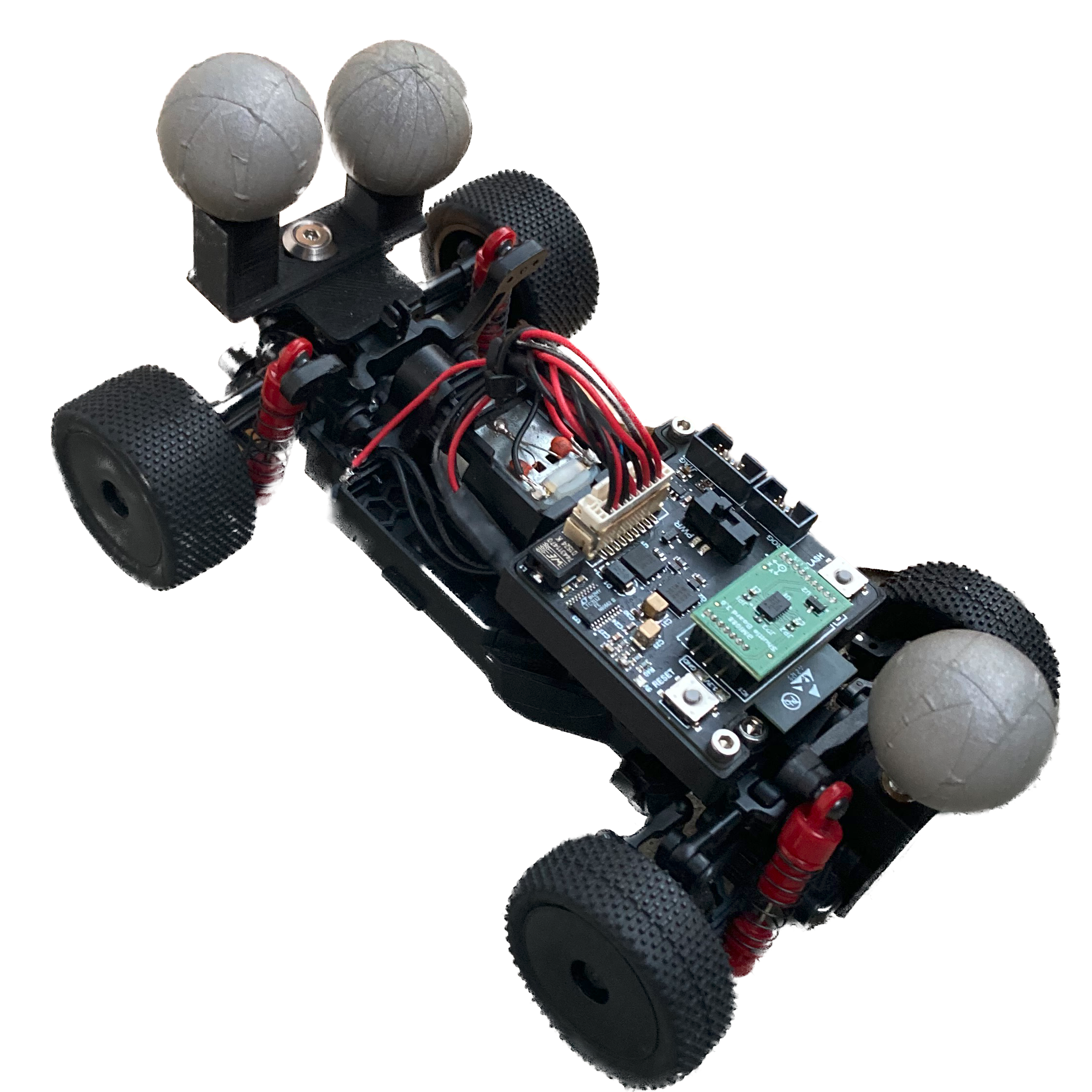
|
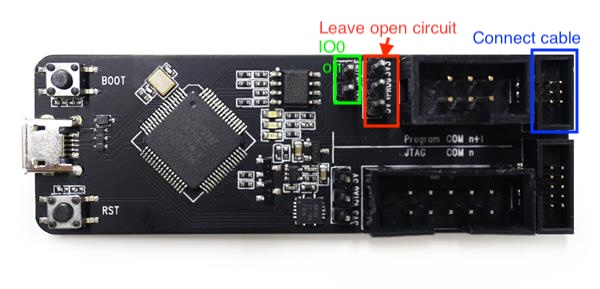
|
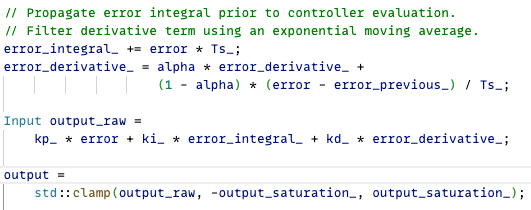
|
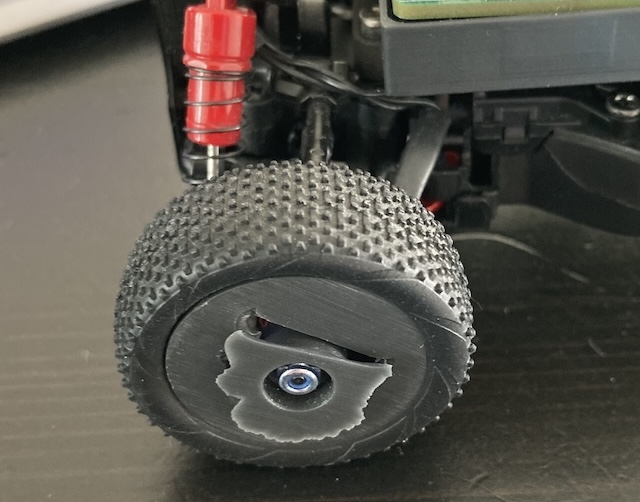
|
| Hardware Manual | Firmware | Low-level Controllers | Why does the car not work? |
Operating the Car (TL; DR)
- Place batteries in the car.
- Turn on the car by flipping the switch on the side of the PCB.
- The car should automatically connect to the Wi-Fi network it was last connected to.
- Make sure the port and IP in the configuration interface match the host computer.
Status LED
The car has a status LED that indicates the current state of the car. The LED can be in one of the following states:
| Color | State |
|---|---|
| ⚫️ Off | The car is off. Check the batteries and power switch. |
| 🔴 Red | The car is in earliest reboot stages, or a critical failure occurred. |
| 🟡 Yellow | The car is trying to connect to a Wi-Fi. If unsuccessful, will move to purple after 20s. |
| 🟢 Green | The car is connected to the Wi-Fi network and ready to receive commands. |
| 🔵 Blue | The car is currently operating and driving according to commands from CRS. |
| 🟣 Purple | The car is in configuration mode and acts as a Wi-Fi access point (crs-car). |