Ros Estimators
The Ros Estimator node takes in a state measurement as well as a control input and outputs a state. It can be launch by executing
Visualizers
There is a generic car visualizer that visualizes the state estimate in the simulation. The user has the option to either just visualize the position, i.e. as a point, or the position as well as the orientation (as an arrow) by setting the parameter use_arrow in the estimator config file (estimator.yaml).
Showing estimated position and orientation
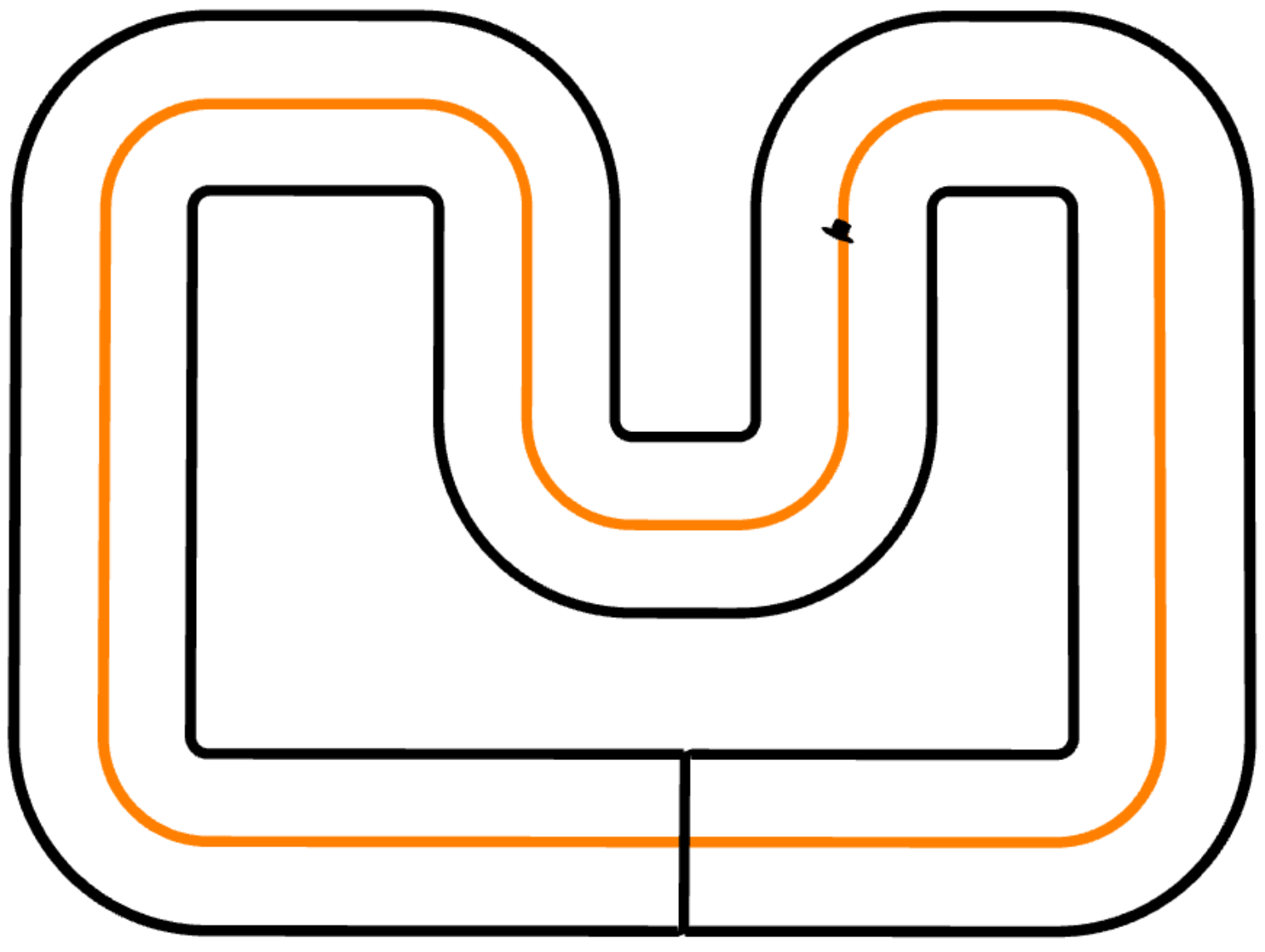
Example Configuration
# Visualization parameters for car_estimator_visualizer
visualizer:
  type: car_estimator_visualizer
  rate: 10

  # Visualizer specific  parameters
  frame_id: crs_frame # default
  namespace: car_estimate # default

  use_arrows: false # If true, use arrows to visualize yaw angle of estimate.

  # Color of the estimated position
  est_r: 0
  est_g: 0
  est_b: 0
  est_a: 1

  size_x: 0.05 # 0.07 for arrows
  size_y: 0.05 # 0.02 for arrows
  size_z: 0.05 # 0.02 for arrows
Specialized Visualizers
- EKF Visualizer
- MHE Visualizer
Component Registry
For a given estimator type set in the config (estimator.yaml), e.g. type: "discrete_ekf", the component registry will load the respective estimator. Each estimator type has its own file resolve_<estimator>in which the necessary parameters, dynamic and sensor models are loaded and the estimator returned.
The same goes for the visualizers and sensors, where in the file resolve_visualizers.cpp and resolve_sensor_models the correct visualizer and sensor models for the state estimator are loaded.
Launch file Arguments
The default.launch file accepts the following arguments:
| Argument | Default | Description |
|---|---|---|
| input_topic | control_input | Topic where the control input will be published. |
| vicon_topic | vicon | Topic where the vicom measurement will be published. |
| imu_topic | imu | Topic where the imu measurement will be published. |
| imu_yaw_rate_topic | imu | Topic where the yaw rate of the imu measurement will be published. |
| wheel_encoder_topic | wheel_encoders | Topic where the wheel encoder measurement will be published. |
| lighthouse_topic | lighthouse | Topic where the lighthouse measurement will be published. |
| state_est_topic | estimation_node/best_state | Topic where the state estimate is published. |
| world_frame | world | Name of common frame for all objects (e.g. base for vicon measurements). |
| track_frame | world | Name of the frame where in which the car track origin is published. |
| update_track_transform | false | If true, continuously update the transformation between 'world_frame' and 'track_frame'. This allows to e.g. move the track during an experiment. If false, only use the first published transform for the whole experiment. |